


- The latest PurpleAir sensor with built in full color LED ring, and a tap sensor to adjust the brightness by tapping the sensor. This one can be used indoors and out with the included desktop or wall (or pole) mount.
- Tap sensor for adjusting LED brightness, double tap the sensor to adjust LED brightness.
- User replaceable dual Laser Particle Counters (PMS-6003)
- Pressure, Temperature, Humidity & Gas Sensor (BME688)
- Built-in SD card logging and real-time clock for offline data capture
- WiFi connectivity with data stored in the cloud
| Dimensions | 3.5 in x 3.5 in x 4 in (85 mm x 85 mm x 100 mm) |
| Color | Semi transparent |
| Power requirements | 5V USB Micro, 0.18A continuous, 600mA peak |
| Intended Use | Outdoor and indoor use |
| WiFi | Yes |
| Expansion Port | Yes |
| Internal Storage | Yes, optional microSD |
| Warranty | One (1) year limited warranty |
| Tap sensor for adjusting LED brightness, double tap the sensor to adjust LED brightness. | |
| Manufacturer | Kionix, Inc. |
| Model Number | KX122-1037 |
| Temperature range | -40°F to 185°F (-40°C to 85°C) |
| Mechanical Shock (powered and unpowered) | 5,000g for 0.5ms 10,000g for 0.2ms |
| Laser Particle Counters
Class 1 Laser. A Class 1 laser is safe under all conditions of normal use. |
|
| Manufacturer | Plantower |
|
This device contains two particle detectors to provide redundancy and help determine sensor health. |
|
| Type | PMS-6003 (2) |
| Range of measurement | 0.3, 0.5, 1.0, 2.5, 5.0, & 10 μm |
| Counting efficiency | 50% at 0.3μm & 98% at ≥0.5μm |
| Effective range (PM2.5 standard)* |
0 to 500 μg/m³ |
| Maximum range (PM2.5 standard)* | ≥1000 μg/m³ |
| Maximum consistency error (PM2.5 standard) | ±10% at 100 to 500μg/m³ & ±10μg/m³ at 0 to 100μg/m³ |
| Standard Volume | 0.1 liter |
| Single response time | ≤1 second |
| Total response time | ≤10 seconds |
| Pressure, Temperature, Humidity, & Gas Sensor | |
| Manufacturer | BOSCH |
| Model Number | BME688 |
| Temperature range | -40°F to 185°F (-40°C to 85°C) |
| Pressure range | 300 to 1100 hPa |
| Humidity | Response time (τ63%): 8s Accuracy tolerance: ±3% RH Hysteresis: ≤1.5% RH |
| Gas | Response time (τ33-63%): <1s Resolution: ±0.08% |
| Built-in SD Card Logger & Real-time Clock | |
| Real-time Clock (RTC) | DS3231
Extremely accurate I2C real-time clock |
| Real-time Clock Battery | CR2032 3V |
| SD Card | MicroSD card
Takes microSD cards up to 64GB |
| SD Card Format | FAT32 |
| SD Card Data Access | Remove the microSD card by pushing it in to unlatch and then pull out with tweezers. Insert the SD card into a computer to access the csv and data files. More information on working with SD data is available here on the PurpleAir community site. We also provide a software tool to help work with this data here. |
| Wireless Contains Transmitter Module FCC ID: 2AC7Z-ESPWROOM02D |
|
| Wireless Networks | 802.11b/g/n @ 2.4GHz (WPA2 pre-shared key or open networks) |
| Certificates | FCC/CE/TELEC/SRRC |
| Tx Power | 802.11 b: +20 dBm 802.11 g: +17 dBm 802.11 n: +14 dBm |
| Rx Sensitivity | 802.11 b: -91 dbm (11 Mbps) 802.11 g: -75 dbm (54 Mbps) 802.11 n: -72 dbm (MCS7) |
| Antenna Type | 2 dBi on-board PCB antenna |
|
FCC Compliance Statement (Part 15.19) This device complies with Part 15 of the FCC Rules. Operation is subject to the following two conditions:
Warning (Part 15.21) Changes or modifications not expressly approved by the party responsible for compliance could void the user’s authority to operate the equipment. FCC Interference Statement (Part 15.105 (b)) This equipment has been tested and found to comply with the limits for a Class B digital device, pursuant to Part 15 of the FCC Rules. These limits are designed to provide reasonable protection against harmful interference in a residential installation. This equipment generates uses and can radiate radio frequency energy and, if not installed and used in accordance with the instructions, may cause harmful interference to radio communications. However, there is no guarantee that interference will not occur in a particular installation. If this equipment does cause harmful interference to radio or television reception, which can be determined by turning the equipment off and on, the user is encouraged to try to correct the interference by one of the following measures:
To comply with FCC/IC RF exposure limits for general population / uncontrolled exposure, the antenna(s) used for this transmitter must be installed to provide a separation distance of at least 20 cm from all persons and must not be co-located or operating in conjunction with any other antenna or transmitter. | |
Hi there Purple Air. Thank you so much for supplying us with the "ZEN".
A beautiful product that does everything it says on the box!
* The unit was very easy to set-up and install.
* The lights on the unit are fantastic - this lets us know how bad the pollution from nearby wood fire smoke is outside at a glance. Aids with hanging washing out/ mowing the lawn/letting the dog out in safety.
* The online map is so well organised and designed. It is so interesting seeing what others in Tasmania and beyond are dealing with in addition to remote monitoring our property.
* The external power supply design and SD card recording facility are "icing on the cake".
It is also great to find out that since our purchase of the ZEN that other units are being purchased by Tasmanians and the monitoring of the pollution is increasingly more extensive!
I highly recommend Purple Air products and all the best to Purple Air!
Kindest regards.
Home owner
PurpleAir Zen - Air Quality Monitor
Simple setup
I have been unable to establish a stable wifi connection with my new PurpleAir unit. It seems to initially recognize my wifi address, the signal is strong, but the app never leaves "checking status" mode and soon thereafter the PurpleAir unit drops the connection. I will phone support shortly for setup help and revise this review as appropriate. Phil
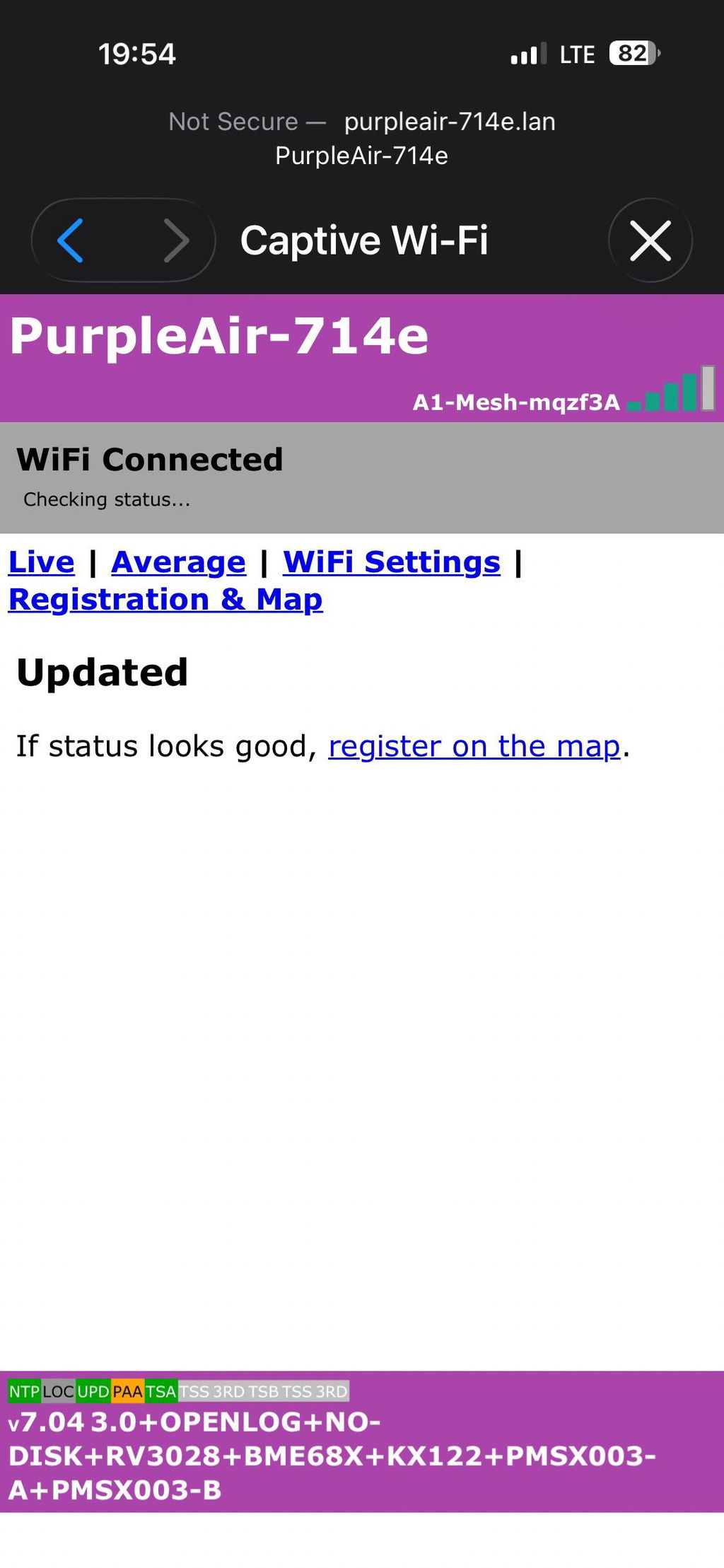
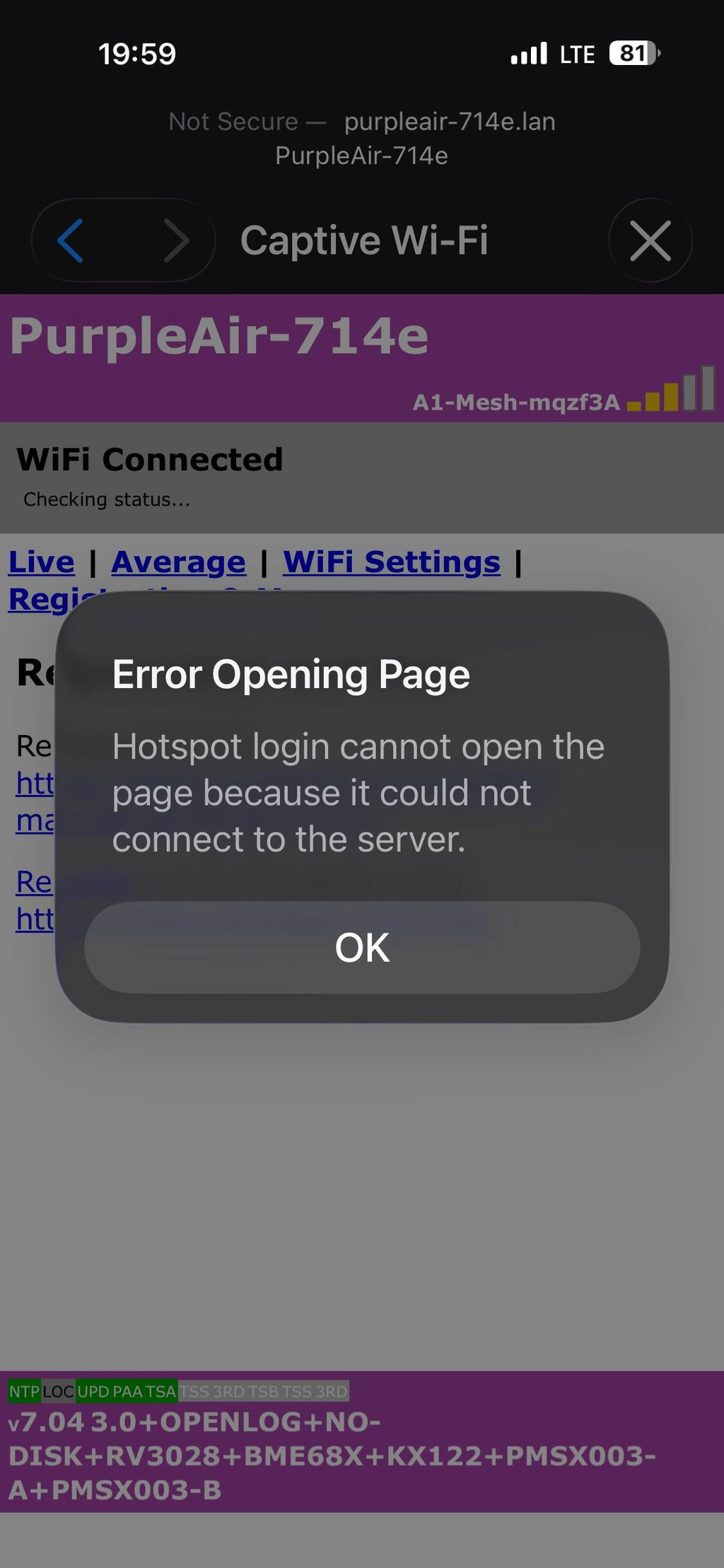
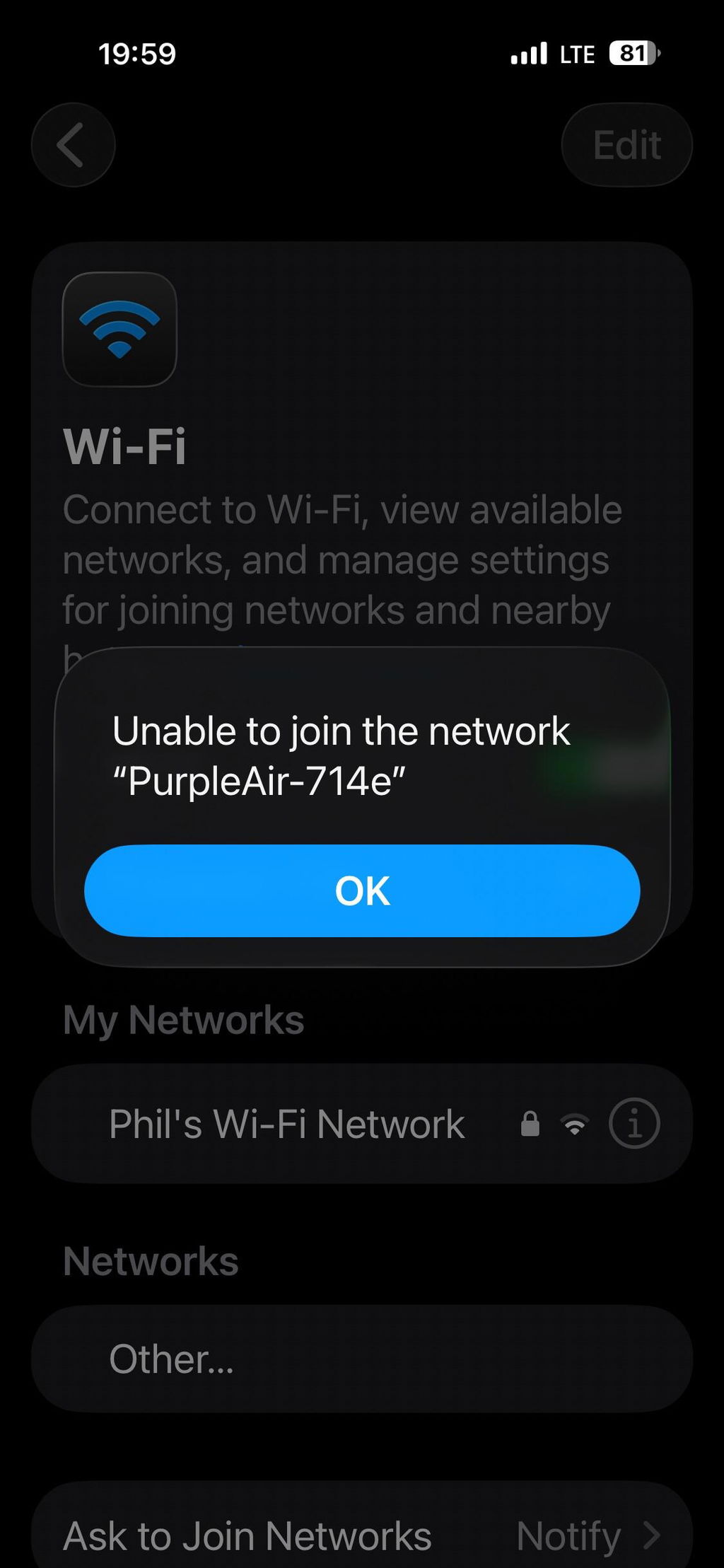
Hi Phil, we're sorry to hear you're having trouble with your setup. Usually this means the device has connected to your WiFi and you can continue to the next step (registration) or view it on the map. Please reach out to our support team, and we'll do our best to assist you quickly if you need any further assistance.
I love the accuracy and sensitivity of the Zen Monitor and the fact that it can be use indoor or outdoor. We've placed our monitor indoor cuz air quality inside our unit gets unpleasant especially when mom is cooking. The monitor's color changes to orange as soon as my mom starts cooking in the kitchen.